Trading Standards - Phone Takeover Scams
2nd December 2025
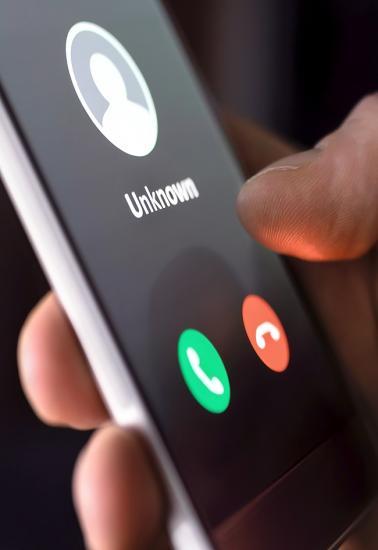
Last week was Scam Safe week across the BBC, with content on all platforms designed to highlight what viewers can do to protect themselves and those they love from being scammed.
As part of the campaign, one woman from Paisley shared her story about a sophisticated phone scam, which began with a cold call from someone posing as staff from her broadband company.
They said they had noticed her wifi had been very slow recently and that they were going to give her £600 in compensation. The caller had a lot of the woman's details, including her address.
They asked her to confirm her bank details, at which point she felt suspicious and hung up the phone. She then phoned her bank to check whether any money had been taken from her account. However, the scammers had not hung up the phone and were still on the line.
Although the woman now believed she was talking to staff from her bank, she was actually still speaking to the scammers. They asked her to download software to her mobile phone to allow them to check her online accounts. She did this, at which point the scammers started verbally abusing her and changed the language on her phone into Chinese, before telling her they were going to take her money as they could now access her online banking.
The woman drove to her local bank branch, where staff immediately realised what was happening. One member of staff turned on flight mode on the phone, which stopped the connection with the scammers. Staff were then able to stop any money going out of the woman's account.
How to Avoid
Never follow instructions from an unsolicited caller to download an app or software which would allow them to access your computer or mobile phone remotely.
If a scammer has been able to access your mobile phone, you can turn flight mode on via Settings to ensure they cannot continue to control it.
Legitimate companies will not call or text you unexpectedly to tell you about a potential problem with your broadband or computer.
Never give any personal or banking details to a cold caller, even if they appear to know some of your details already.
If you receive a suspicious call and need to phone your bank, hang up the phone and clear the line before dialling another number.
Contact your bank using their official number (found on the back of your card, a statement or on their website)
If you need to quickly phone your bank to report a suspected scam or fraud, you can dial 159. This number will connect you securely and directly to your bank's fraud prevention service.
You should also report it to Police Scotland on 101.
Find out more
Listen to the full story on BBC Radio Scotland Mornings (from 2:29:00): https://www.bbc.co.uk/sounds/play/m002mp26
ScamShare PDF on remote access scams: www.tsscot.co.uk/Spotlight-RemoteAccess.pdf
Police Scotland advice on bank fraud: www.scotland.police.uk/advice-and-information/scams-and-frauds/other-electronic-fraud-types/#safe
ScamShare Spotlight PDF on bank scams: www.tsscot.co.uk/spotlight-bank